Logo Stickers: How to Choose the Right Shape, Size, and Finish
The best logo stickers are simple: your logo cut to its own outline or set in a clean circle, printed at 3 inches for laptops and bottles or 2 inches for packaging seals, on durable vinyl with a glossy or matte finish. Start from your logo file, even if it's rough. At KAD Sticky, our designers prepare it for free and show you a proof before anything prints.
In this article
Pick a shape that fits your logo
| Shape | Looks like | Best for |
|---|---|---|
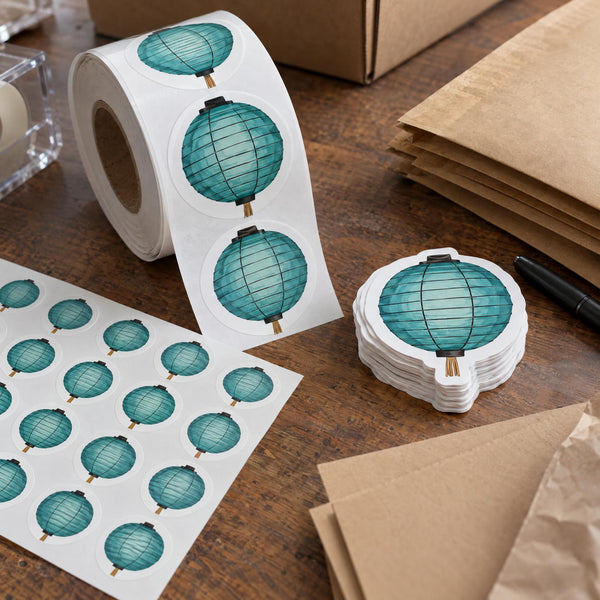
| Die-cut to the logo outline | Your logo, cut exactly around its edges | Bold logos with a clear silhouette |
| Circle | Logo centered in a round badge | Packaging seals, logos with text around them |
| Square or rectangle | Logo on a solid background block | Wide wordmarks, logos with a background color |
| Custom badge | Logo inside a shield, arch, or banner shape | Brands that want a "patch" or retro look |
If your logo has thin parts that stick out, a circle or badge shape is usually easier to peel from the backing and holds up better than a tight die-cut.
More on shapes: Round Stickers: Which Size to Choose
Pick a size by where it goes
| Size | Use it on |
|---|---|
| 2" | Packaging seals, envelopes, small jars, bags |
| 3" | Laptops, water bottles, notebooks, product boxes. Our most popular size |
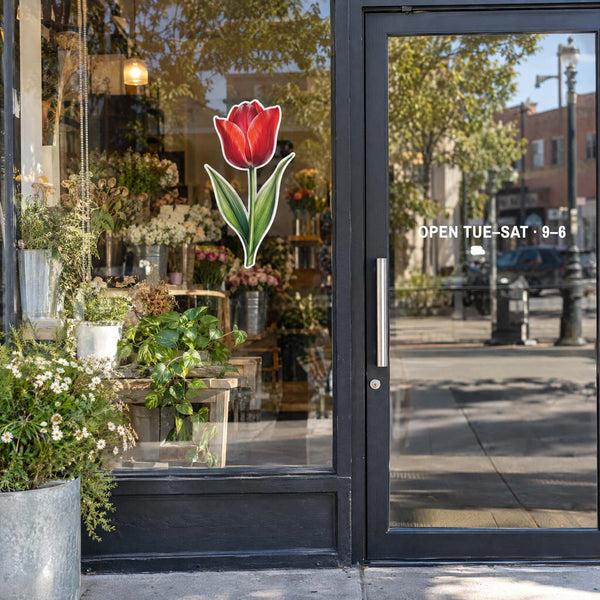
| 4" | Shipping boxes, coolers, storefront windows, event tables |
What Size Should Your Stickers Be?
Glossy or matte?
Glossy makes brand colors look bright and rich, and it's our default. Matte has no glare and feels premium on packaging. Both are laminated, waterproof, and cost the same.

Your logo file: what to send
- Best: a vector file (AI, PDF, EPS, or SVG). It stays sharp at any size.
- Fine: a large PNG or JPG.
- Only have a screenshot or a blurry file? Send it anyway. Our designers clean up or rebuild logos for free.
- Brand colors: send your Pantone or hex codes. We match as closely as we can; printed colors can look slightly different from a screen.
How to Turn Your Logo Into a Sticker
Where businesses use logo stickers
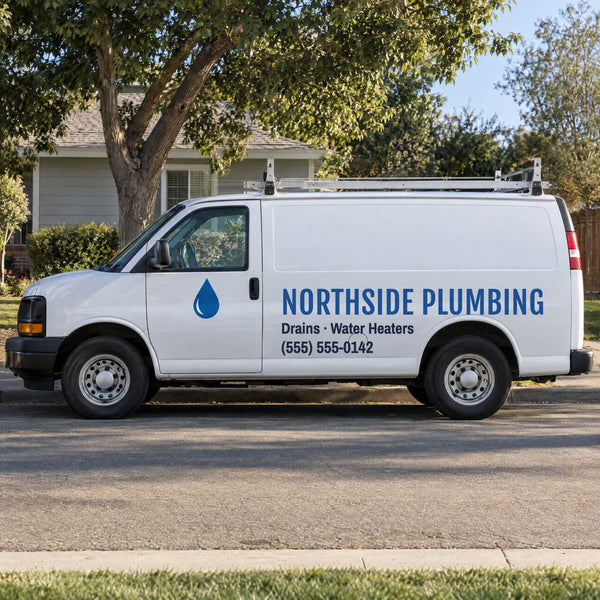
- Sealing bags, tissue paper, and boxes
- In every order as a free extra customers stick on laptops and bottles
- On product packaging, jars, and candle lids
- At markets, trade shows, and events
- On company laptops, team water bottles, and work gear
More ideas: How Small Businesses Use Stickers for Marketing
How many logo stickers should you order?
Count how many you'll use each month (one per order, per event visitor, or per new hire) and multiply by the months you want covered. If you're testing a new logo, start with a small order. There's no minimum, and each deal lists how many designs you can mix, so you can add a second version of your logo in the same order.
How Many Stickers (and Designs) Should You Order?
Frequently asked questions
What is the best size for a logo sticker?
3 inches for laptops, bottles, and boxes. 2 inches for packaging seals and small items.
Should my logo sticker be die-cut or round?
Die-cut if your logo has a bold, simple outline. Round if it has text, thin details, or a busy edge.
What file do I need for a logo sticker?
A vector file is best, but any common file works. Our designers prepare it for free.
Can you match my brand colors?
We match as closely as possible from your Pantone or hex codes. Printed colors can look slightly different from your screen.
Is there a minimum order for logo stickers?
No. Order the quantity you need, and mix designs within a deal.
More answers: Artwork & Colors FAQ
Ready to print your logo?
Send your logo as it is. We'll prepare the file, cut it to the shape you want, and send a free proof within 1 business day.
Keep reading
In this article
Related articles